
How to Find Stanislaus County Court Dockets
Court dockets in Stanislaus County come from the Superior Court of California. The court posts public case data on its Case Index Lookup, and the docket is the part that lists each filing and event in order. You reach it through the court's online tools, which sit under the statewide judicial branch.
The state court system frames how local dockets work and what can go online. The Judicial Branch of California site holds the rules and forms that every Superior Court follows.
Start at the Stanislaus public case portal. Search by case number for the cleanest result, or by party name when you do not have the number.
Gather what you can before you search. A case number returns one docket fast. A full name helps when you lack the number. The case type and the rough filing year also speed things up. With a common surname, those extra details keep you from sifting through a long result list.
What a Stanislaus County Court Docket Shows
A docket lists events with dates. Each line marks a filing, a hearing, or an order. Read top to bottom and you can follow a case from the first complaint to the final judgment. The table breaks down the entries you will see most often.
| Docket Entry | What It Shows |
|---|---|
| Complaint or Petition Filed | The event that opened the case. |
| Proof of Service | A record that the other party was served papers. |
| Motion Filed | A formal request for the court to rule on something. |
| Minute Order | The clerk's summary of what happened at a hearing. |
| Hearing Set | The date, time, and department for a scheduled hearing. |
| Judgment or Disposition | The court's final decision or the case outcome. |
Many entries name a document. The document itself may be viewable online, available at the clerk's counter, or sealed.
Docket vs. the Full Case File
People often mix up the docket and the case file. They are not the same thing. The docket is the index. The case file is the stack of documents the docket points to. Knowing the difference tells you what a portal search can and cannot give you.
| Court Docket | Full Case File | |
|---|---|---|
| What it is | A dated list of filings and events | The actual documents filed in the case |
| Where to find it | The online case index | The clerk's office or the portal where allowed |
| Cost | Free to view online | Copy and certification fees apply |
| Access | Index data is widely public | Some documents are sealed or in person only |
So a docket can tell you a motion was filed and ruled on, while the motion paper itself may need a clerk request.
Hearings and Court Calendars
Hearing data is a core part of any docket. A hearing line shows the date, the time, the department or courtroom, the event type, and the result once it is held. The court also publishes calendars and tentative rulings through its online services, so parties can check a ruling before they appear.
Tentative rulings matter in civil and probate matters. The court may post a proposed ruling the day before a hearing. A party who accepts it may not need to appear, while a party who wants to argue must follow the court's notice steps. Check the court calendar tool for the current schedule and any tentative ruling.
Calendars also help you confirm where to go. A docket lists the department, but a daily calendar shows the full slate for that courtroom. If a hearing moves or is continued, a new docket line records it. Always check the latest entry before you travel to the courthouse, since dates change and a continuance can push a hearing weeks out.
Criminal and Traffic Docket Entries
Criminal dockets read a little differently. They track the case from arraignment forward. Common lines include the complaint, the arraignment and plea, pretrial conferences, motions, the trial, and sentencing. A warrant entry appears when the court issues one, and a recall entry appears when it is cleared.
Traffic dockets are lighter. They show the citation, the violation, the appearance or due date, the fine or bail, traffic school status, and any failure to appear. For traffic matters the court often routes you toward its payment path rather than a full docket. See traffic court records for the citation lookup and payment steps, and arrest records for how a DUI or other criminal traffic case is handled.
Criminal docket entries also flag financial terms. You may see fines, fees, restitution, and bail amounts. A bench warrant line shows up when a defendant misses a required appearance. These entries are public, but a court can seal parts of a criminal file, and juvenile matters stay confidential by law.
Civil, Family, and Probate Docket Entries
Civil dockets follow a filing-and-response rhythm. A complaint opens the case, the defendant answers, motions and discovery follow, and a judgment closes it. Family dockets add custody, support, and restraining-order events. Probate dockets track petitions, letters, inventories, accountings, and orders in estate, conservatorship, and guardianship cases.
Some events on these dockets point to confidential documents. A family case docket may be public while a custody evaluation behind it is not. A probate docket may list a medical or capacity report that is sealed. The docket line can be public even when the document is closed.
Small claims dockets are short and quick to read. They show the claim, service, the judgment, and any appeal or request to vacate. Name-change and civil writ matters appear on the civil side too. Across all of these, the docket is your map to the case, and the clerk fills in any document the portal does not show.
Searching Dockets by Case Number or Name
The fastest path to a docket is the case number. When you do not have it, a name search works, but you may need to narrow the list. Follow these steps for a Stanislaus County docket lookup.
- Open the Stanislaus public case portal from the court's Online Services page.
- Choose case-number search if you have the number, since it returns one docket.
- For a name search, enter last and first name, then filter by case type or date.
- Open the case to view the docket list of filings, hearings, and orders.
- Note the document names you need, then request copies from the clerk if they are not online.
Remote Access Limits for Dockets
Seeing a docket online does not always mean seeing the documents online. California Rule of Court 2.500 defines the terms for electronic access, including what counts as a court record and what remote access means.
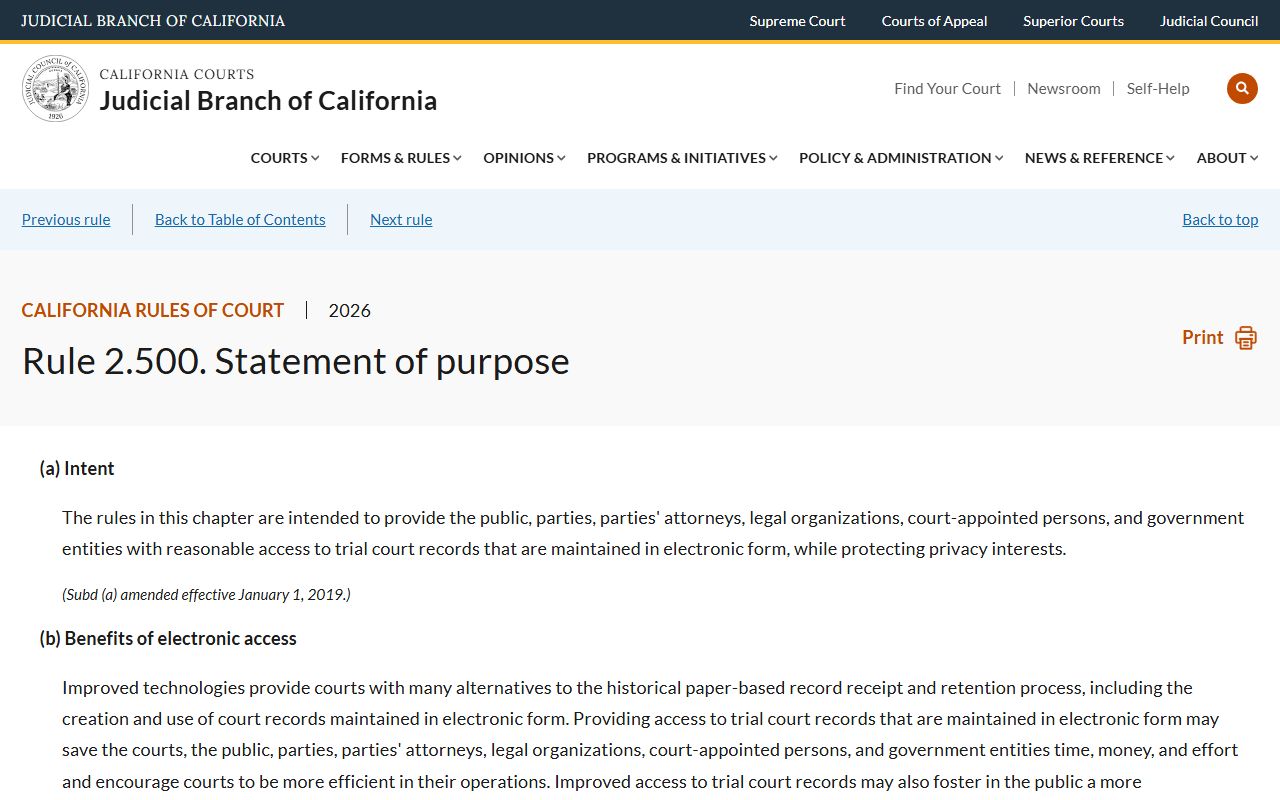
The rules let the public reach electronic records, but they limit remote online access for many case types. So a docket may be fully public at the courthouse counter yet show only index-level data from home.
Note: A docket entry can be public even when the document it names is sealed, redacted, or available only at the clerk's office in person.
How Long Stanislaus County Dockets Are Kept
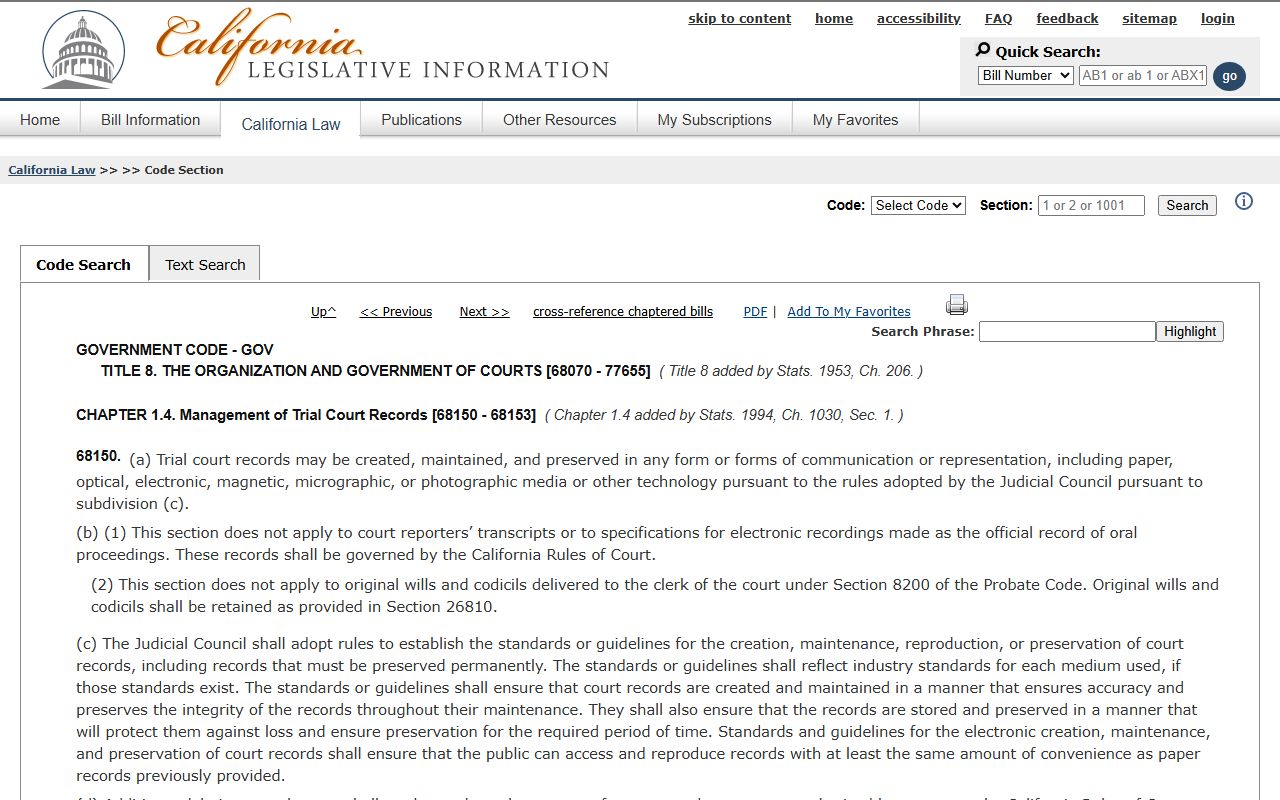
Dockets do not vanish, but old files may move. Government Code section 68150 sets how trial courts manage, image, preserve, and destroy records. That is why a very old case might be imaged, archived off-site, or no longer in paper.
For an older docket, plan to file a research request with the clerk rather than expect a quick portal hit. The civil division keeps a case research process for exactly this kind of request, covering file research, retrieval, and copies. Build in time for archived files, because staff may need to pull them from storage or an imaging system before you can view them.
Federal Court Dockets for Stanislaus County
Some dockets are not in the Stanislaus portal at all. Federal cases for this area sit in the U.S. District Court for the Eastern District of California. Federal dockets and documents are reached through PACER, the national court access system.
Attorneys and parties file through CM/ECF, the electronic filing side of the federal court. It hosts the live docket for each open federal case.
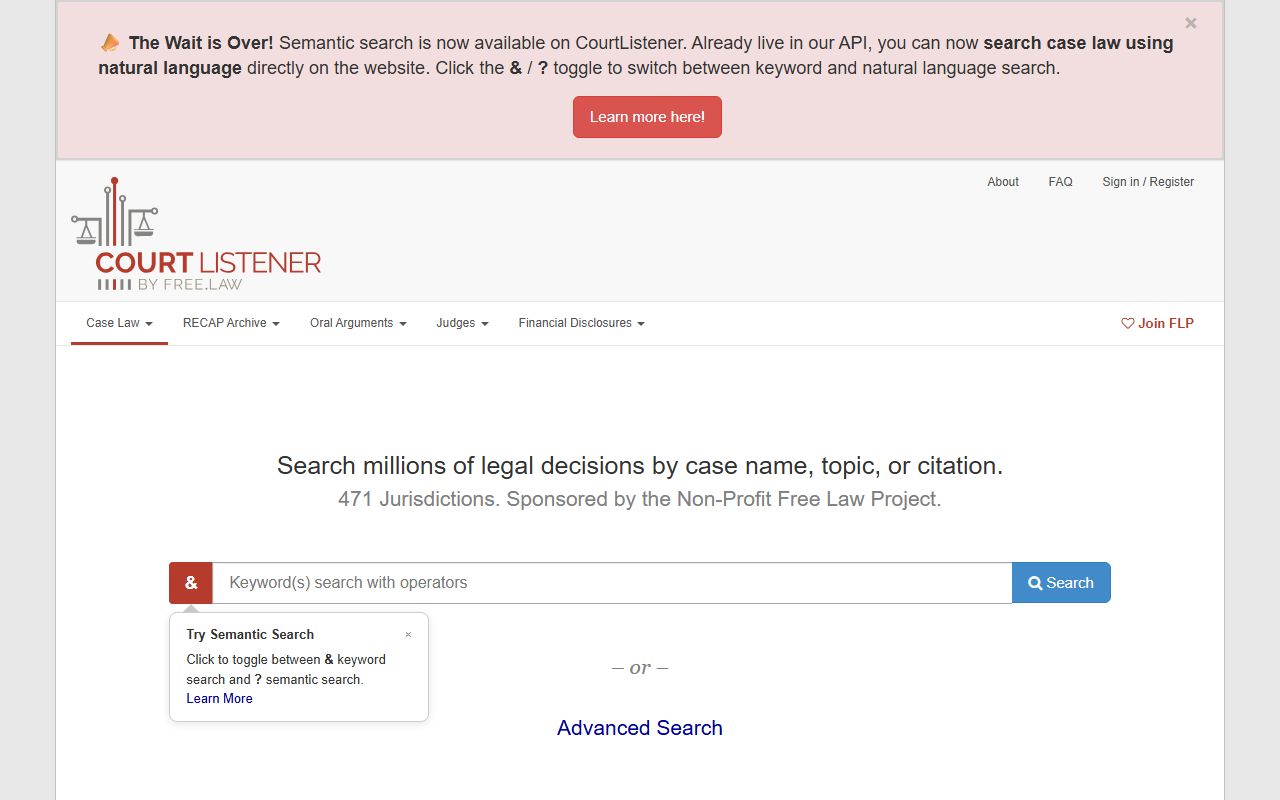
For free access to many opinions and dockets, CourtListener and its RECAP archive collect federal records the public has shared.
PACER charges per page unless you fall under a fee waiver or the low-usage threshold.